Code Editor
HSYCO integrates an editor for EVENTS code and JavaScript, which can also be used as a text file editor for .txt, .ini files, or standard formats such as XML and JSON.
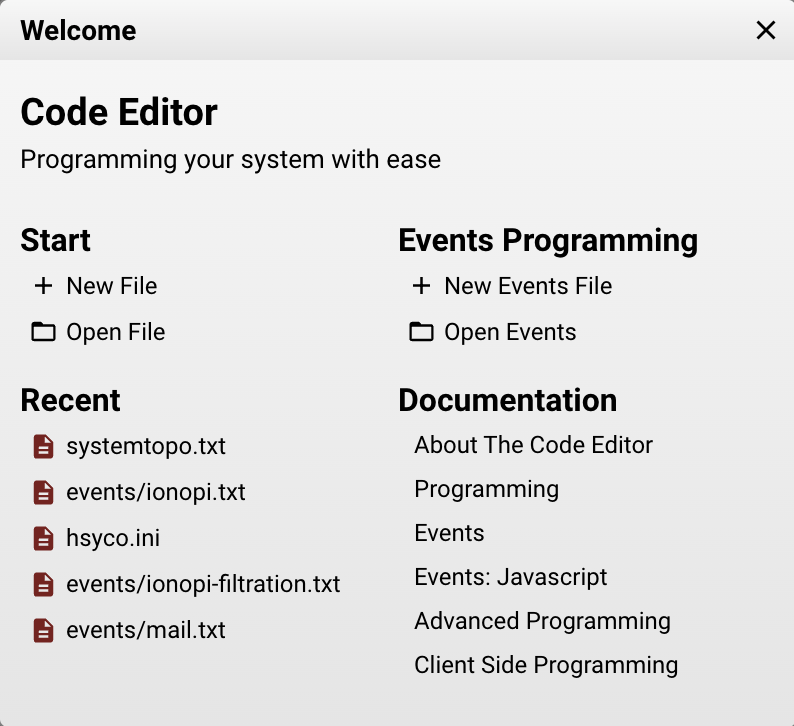
The wizard screen allows you to either open or create a new EVENTS file within the events folder, or open a generic file.
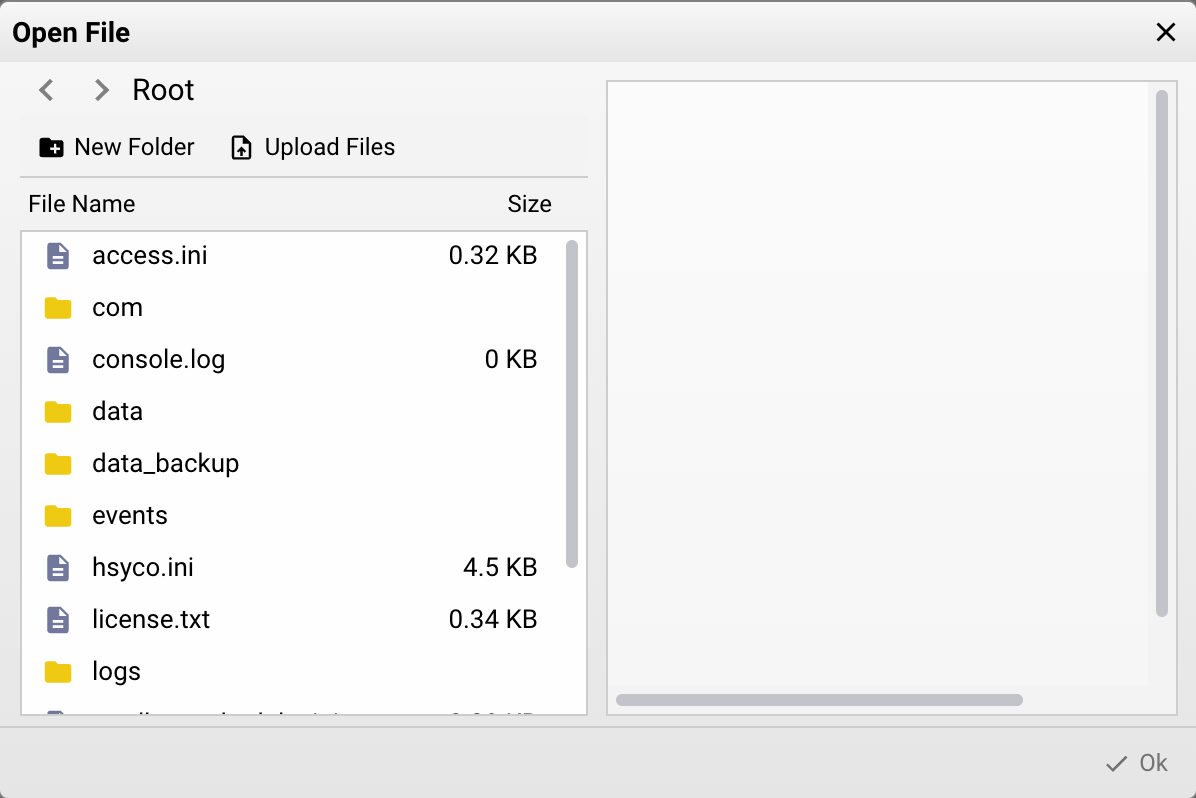
List of compatible formats:
- .txt
- .ini
- .xml
- .json
- .hsm
- .log
- .js
- .java
- .csv
- .html
- .md
- .css
The Code Editor offers several helpful features designed to assist developers during HSYCO customization.
Use the first icon in the tab toolbar to open or close Explorer. Expand folders to browse their contents and use the arrow keys to navigate. When folders are expanded, use Collapse all folders in the Explorer header to close them. Right-click any entry and choose Show in File Manager to reveal it there.
Open the tool menu in the right upper corner:
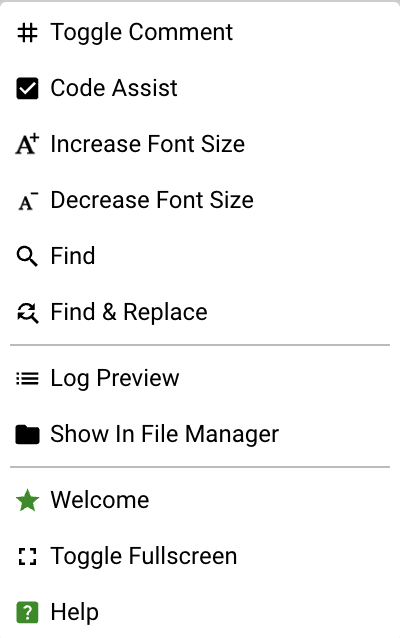
- Toggle: comment/remove comment from the line(s) selected
- Code Assist: enable the code assist tool that shows documentation and realtime status of variable/datapoint
- Increase Font Size
- Decrease Font Size
- Find: open the find tab
- Find/Replace: open the find/replace tab
- Log previews: open the Log Viewer on the right
- Show in File Manager: open the file manager folder in which the current file is saved
- Welcome: go back to the welcome splash screen* Toggle Fullscreen
- Help: open the documentation
Saved file versions follow the Manager editor versioning retention policy.
The Manager Assistant can use open Code Editor context to help explain, review, or work with the current file while you stay inside the Manager.