Gmail Server Configuration
-
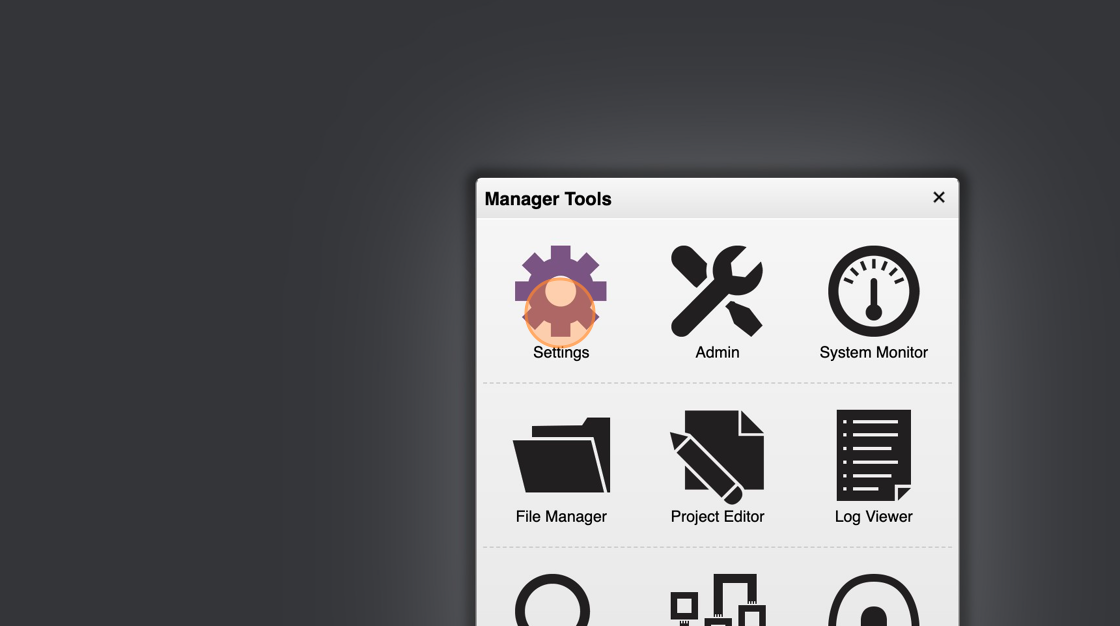
Open HSYCO Manager
-
Go to "Settings"
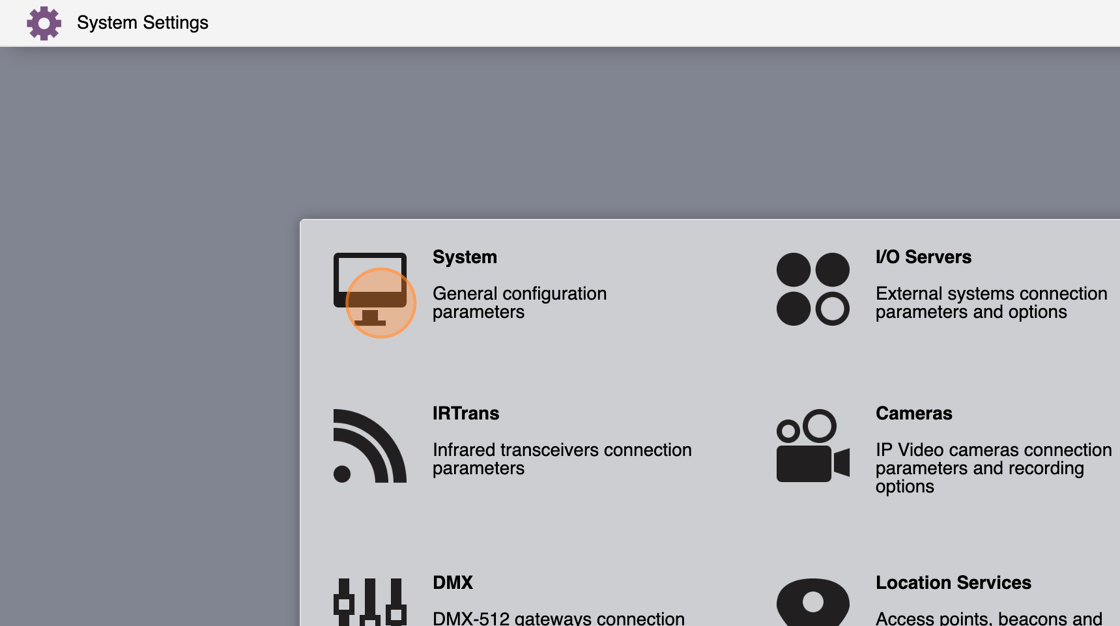
- Click on "System"
- Select the "EMail" tab
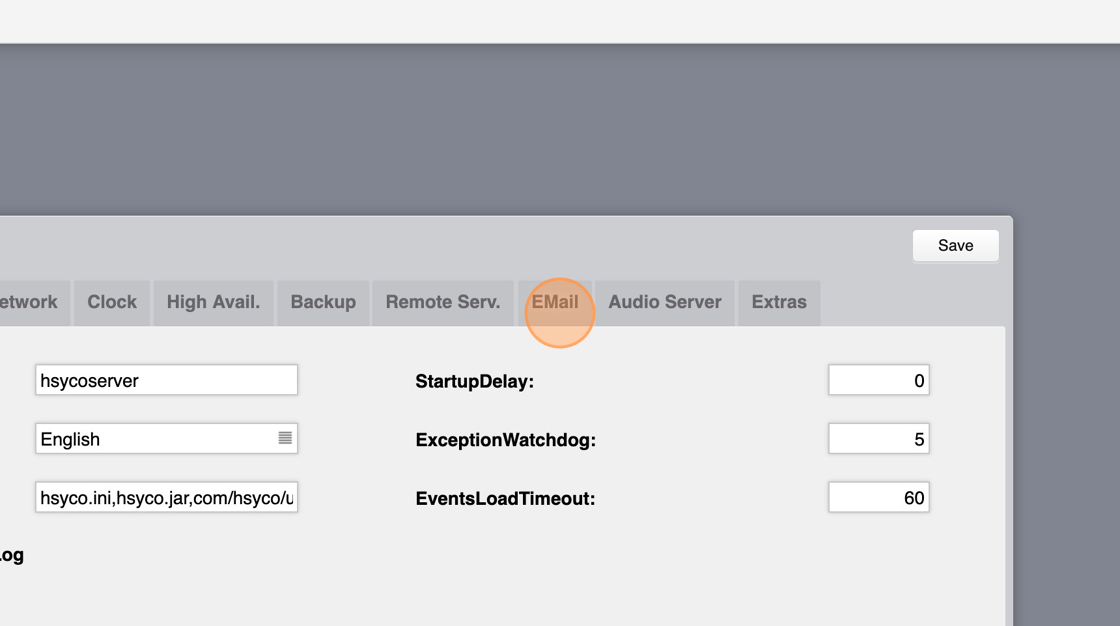
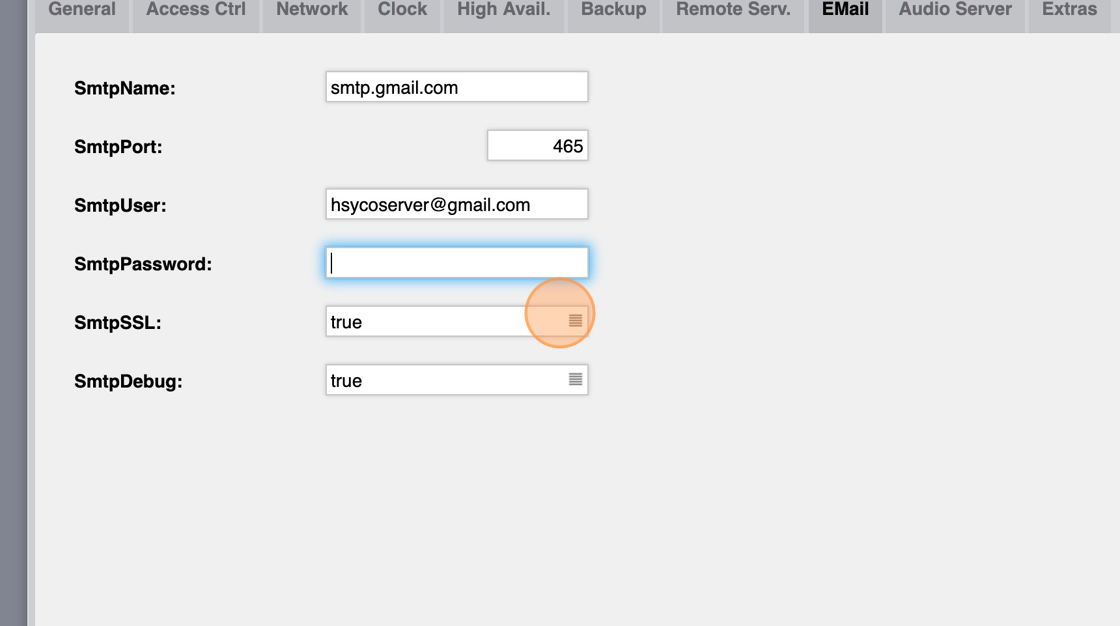
- Set "SmtpName" to "smtp.gmail.com"
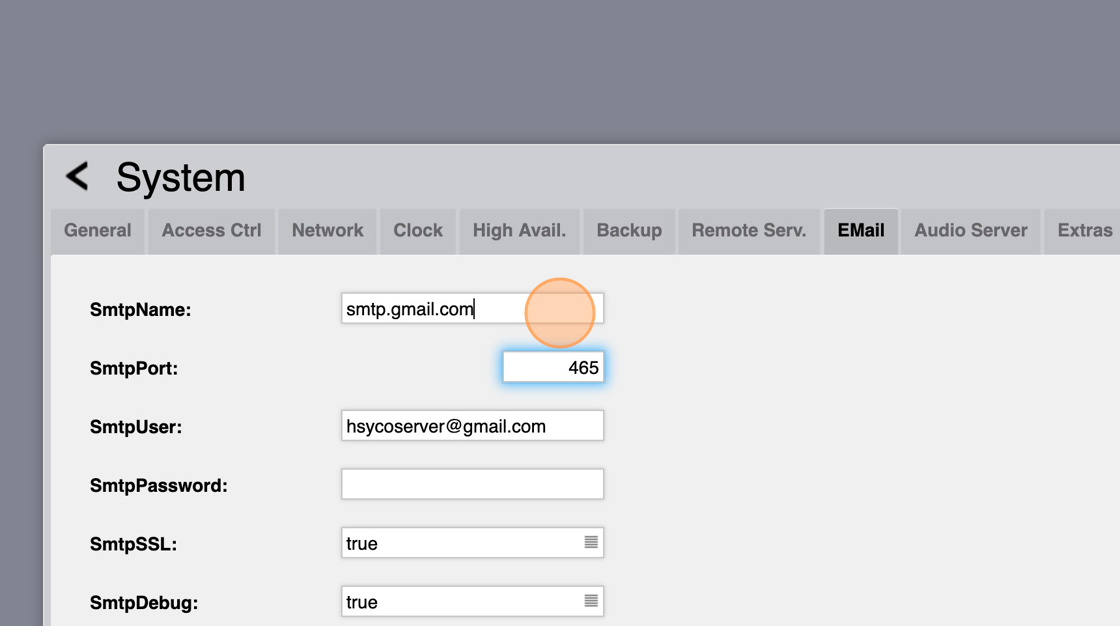
- Set "SmtpPort" to "465"
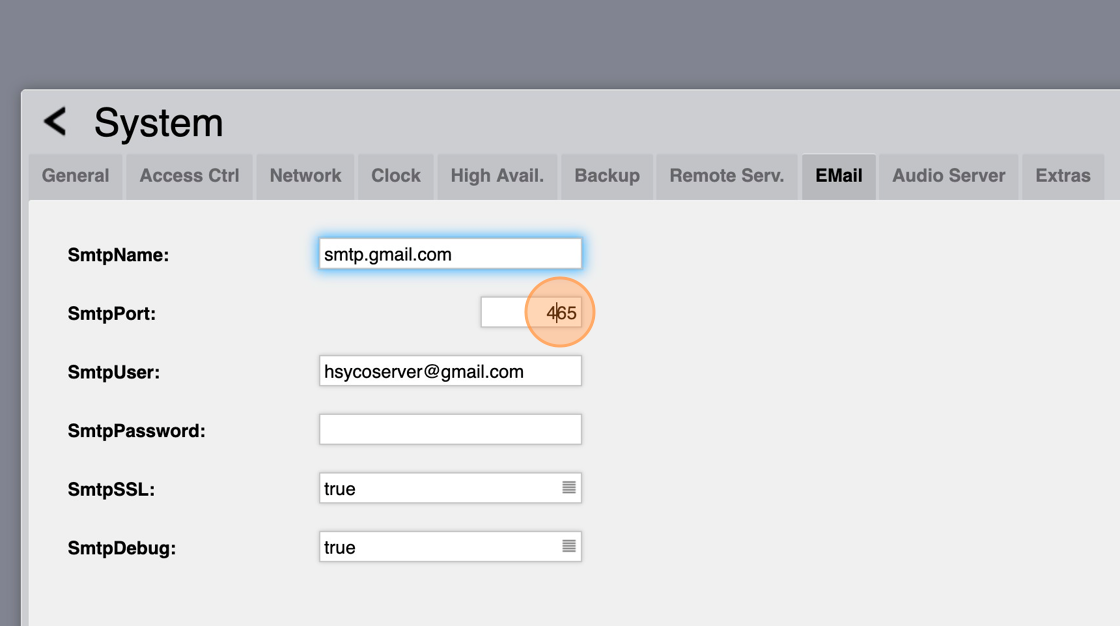
- Write your Gmail in the "SmtpUser"
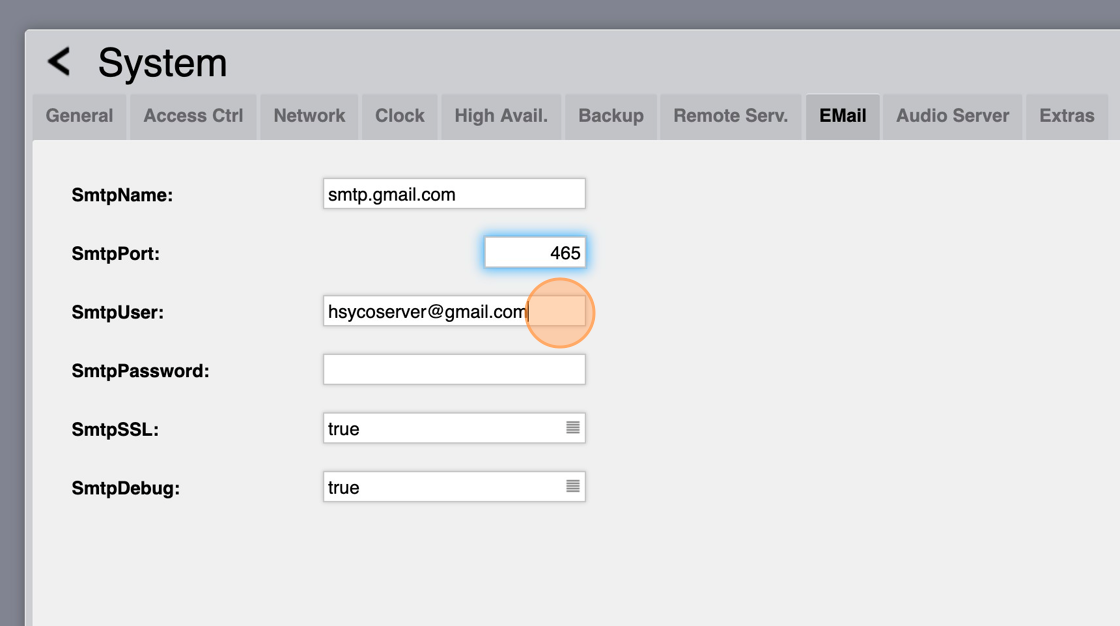
Alert: Now we need to generate a password through Google Passwords
-
Enable two-factor authentication through this link: https://myaccount.google.com/signinoptions/two-step-verification/enroll-welcom
-
Now go to this link: https://myaccount.google.com/apppasswords
-
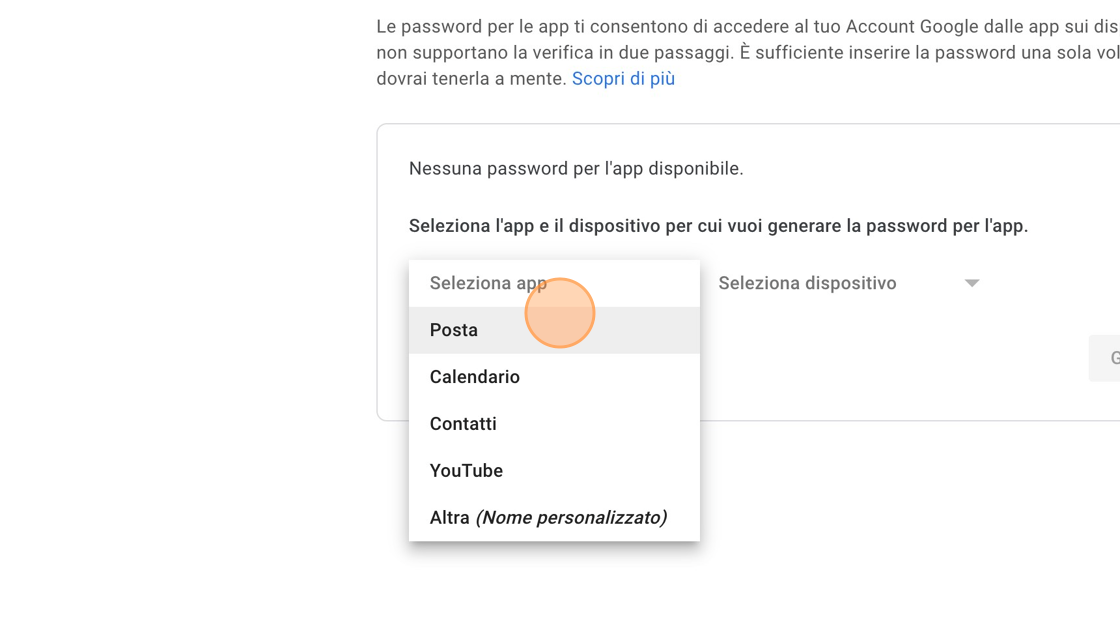
Click "Select app"
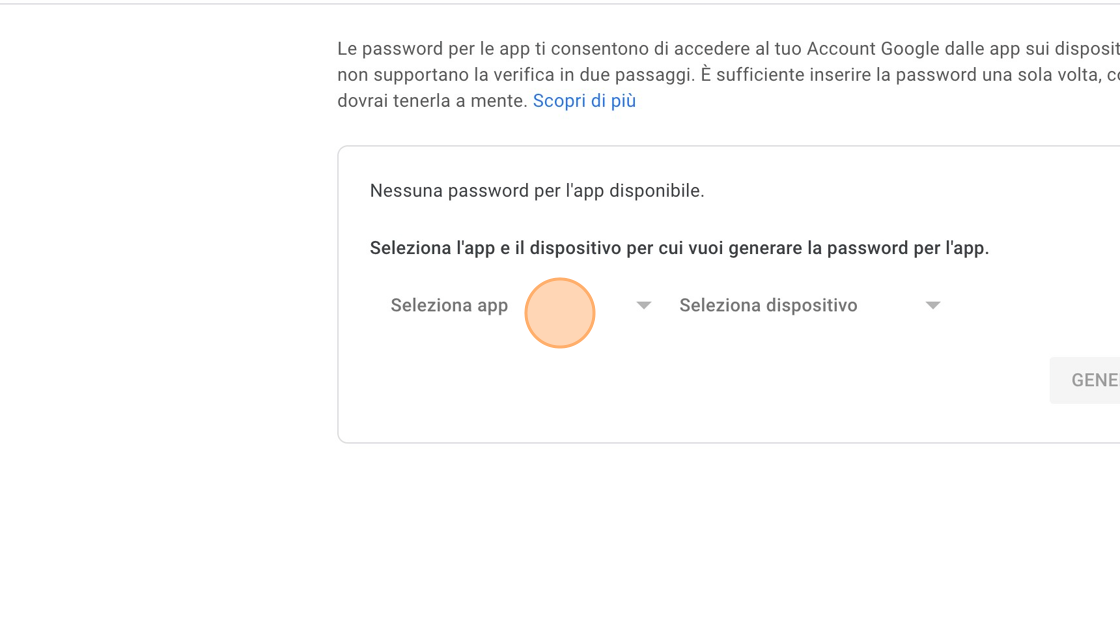
- Select "Mail" from the "Select App" dropdown menu
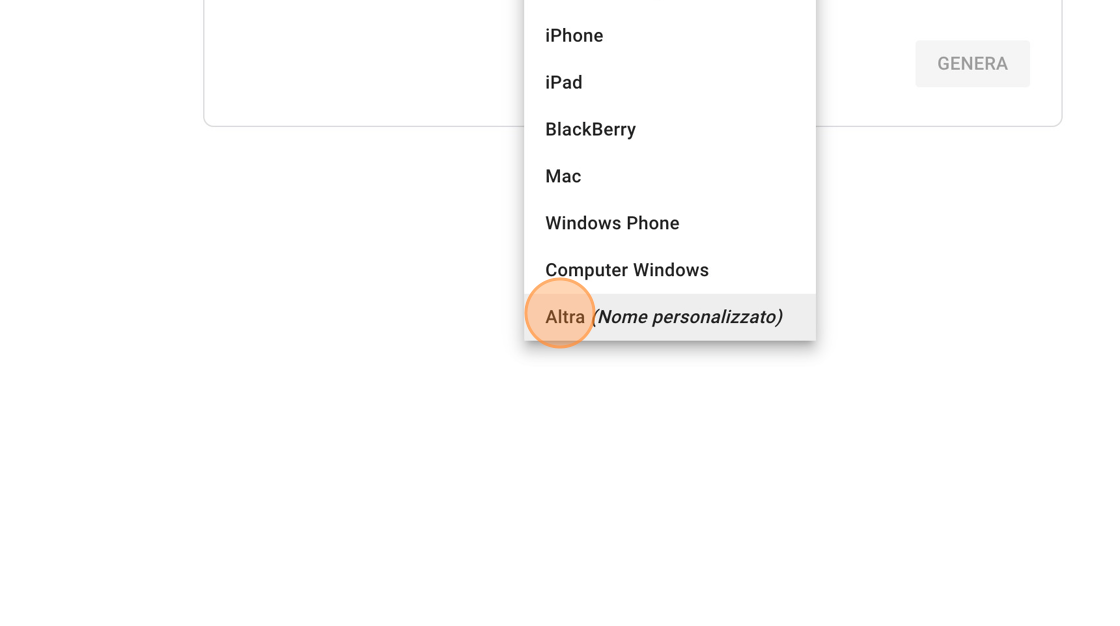
- Select "Other" from the "Select Device" menu
-
Write "Hsyco" and click "Generate"
-
Now copy the generated password
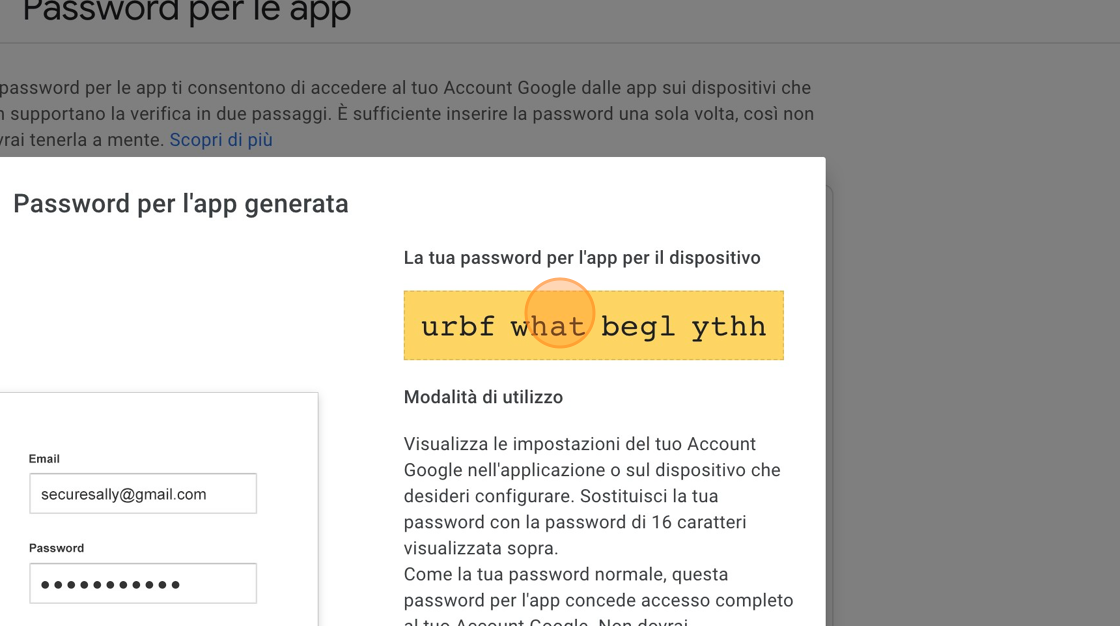
- Paste it in the "SmtpPassword" field
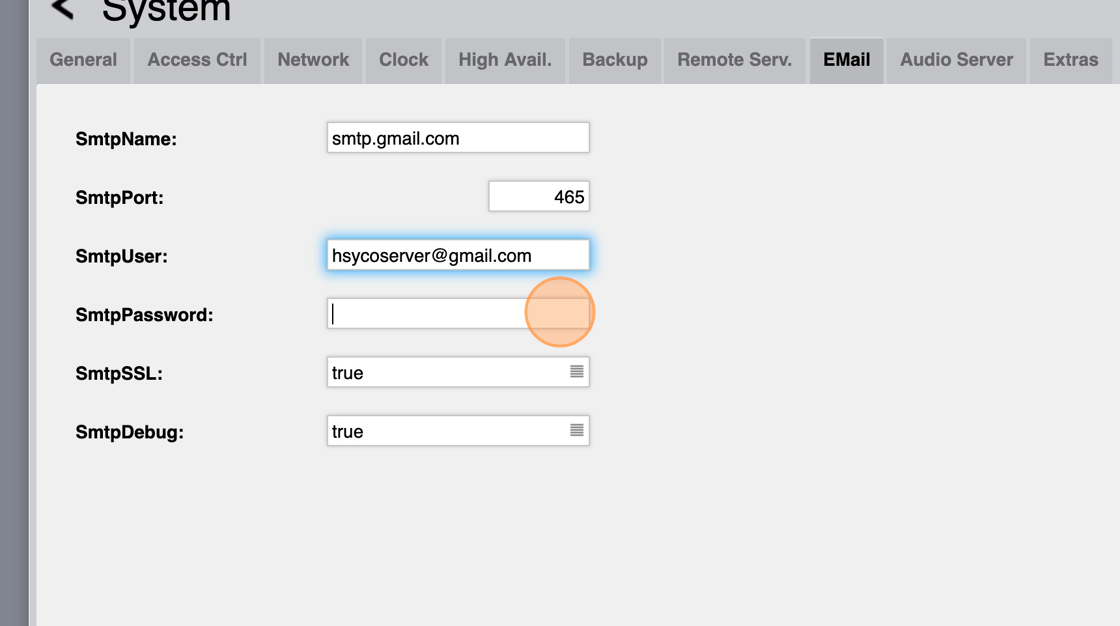
- Set "SmtpSSL" to true
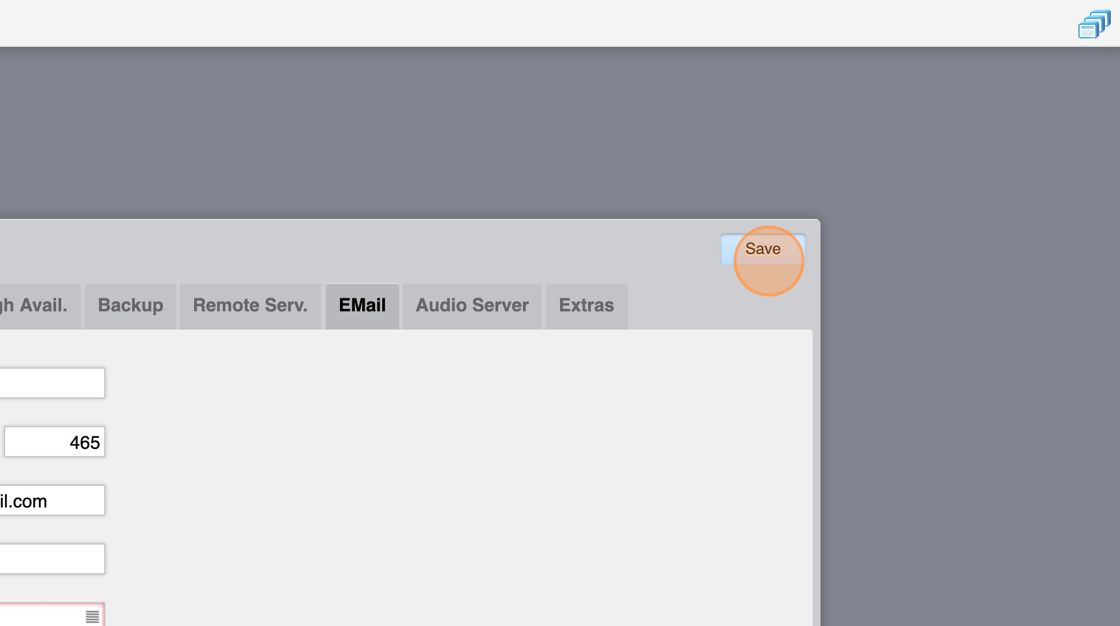
- Click "Save"
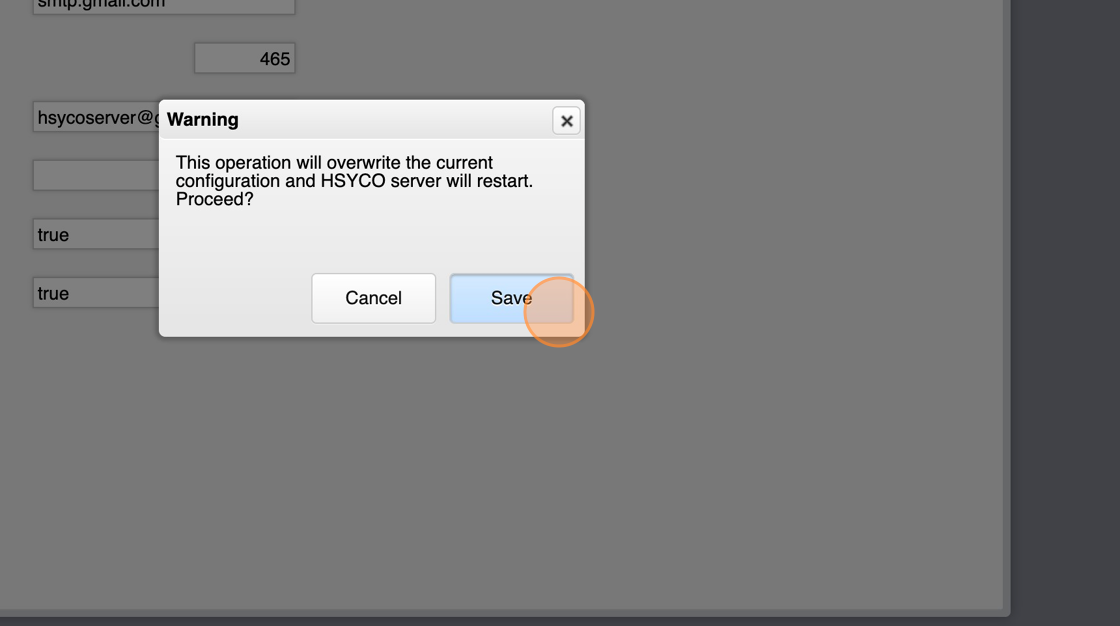
- Click "Save" again and wait for HSYCO to restart
Now we'll write some code to send an email message through EVENTS
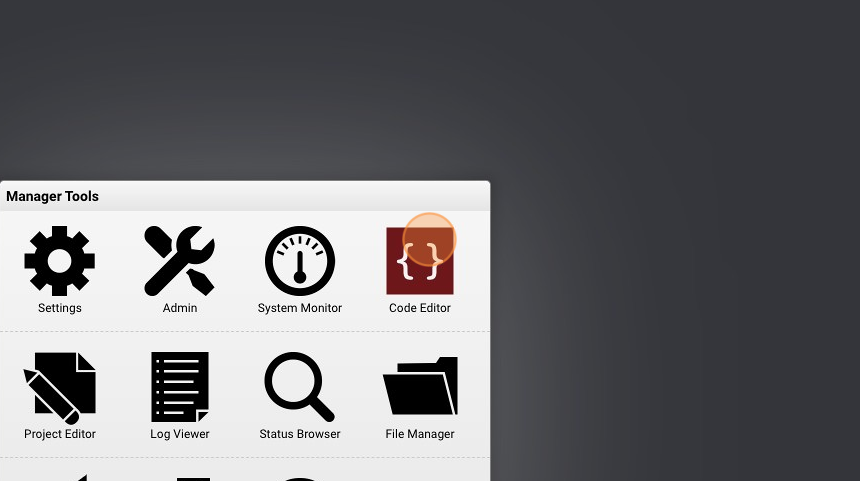
- Go to "Code Editor"
- Click "New Events File"
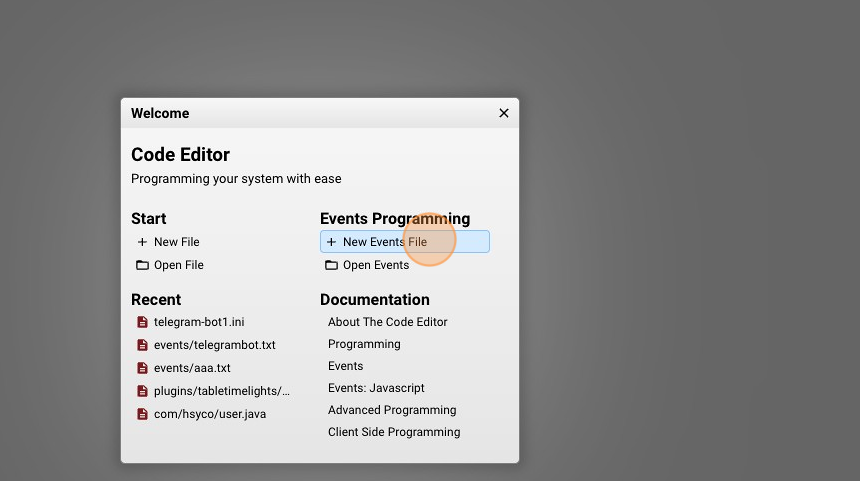
- Give it a name ("gmail.txt" for example) and click "New File"
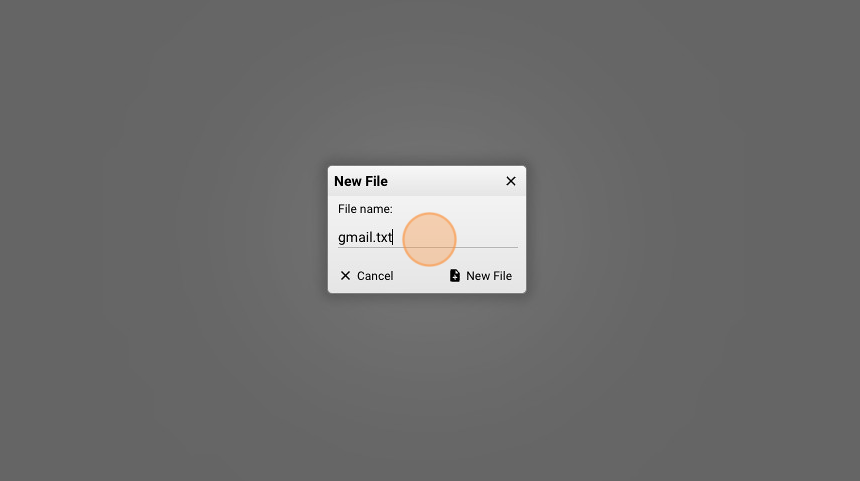
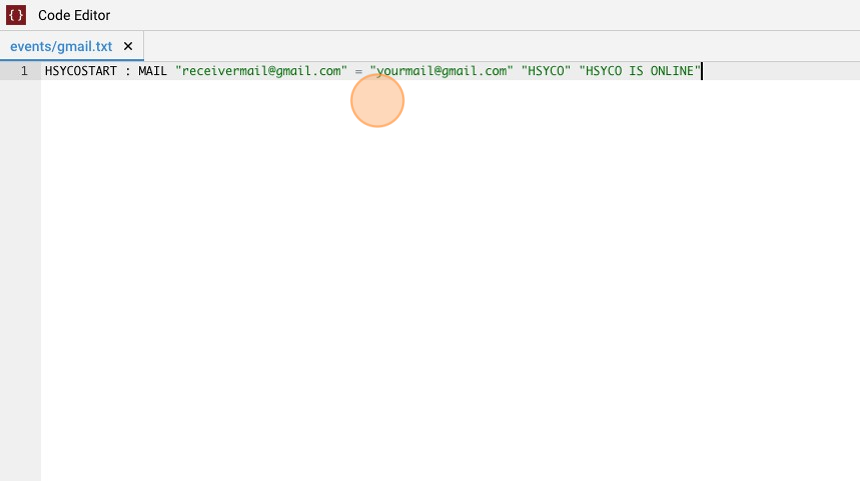
- Copy the following line and save the file:\
HSYCOSTART : MAIL "receivermail@gmail.com" = "yourmail@gmail.com" "HSYCO" "HSYCO IS ONLINE"
What this does is it sends an email message to "receiveremail@gmail.com" from "yourgmail@gmail.com" with a subject and the body of the message when HSYCO starts. The format of the command is:
MAIL to = from subject body
It is also possible to send the same email to a space separated list of email addresses or also send images or live frames in the body of the message